WordPress has evolved far beyond its origins as a simple blogging platform. Today, it powers business websites, online stores, membership platforms, publishing systems, portfolios, educational websites, SaaS interfaces, and highly customized web applications.
With the release of WordPress 7.1.2, modern WordPress development increasingly depends on more than simply knowing how to create a theme or write a plugin. Developers need to understand the relationship between current WordPress architecture, modern PHP, security practices, performance, accessibility, maintainable code, and the official WordPress Coding Standards.
For developers building new WordPress themes and plugins, this is particularly important. A project can technically work while still being difficult to maintain, insecure, poorly structured, inaccessible, or incompatible with future WordPress releases.
This article explores how WordPress 7.1.2 fits into modern development practices, why modern PHP matters, how the current WordPress Coding Standards improve development quality, and how developers can combine these technologies to build professional WordPress software.
What Is WordPress 7.1.2?
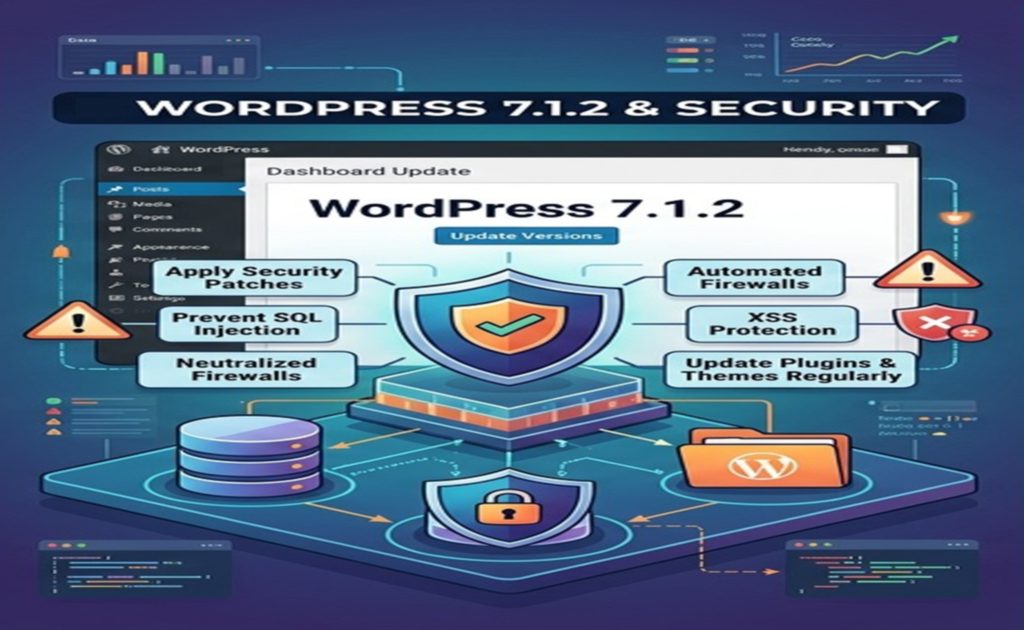
WordPress 7.1.2 is a maintenance and security release in the WordPress 7.1 series.
It was released publicly on September 22, 2026. According to the official WordPress documentation, the release contains a security fix addressing an unauthenticated path traversal issue in page-template resolution that could lead to conditional remote code execution. WordPress recommends updating sites to this release immediately.
This is an important reminder that WordPress development is not only about new features.
Security maintenance is a fundamental part of operating a modern WordPress website.
A website running an older version may continue to function normally, but that does not necessarily mean that it is safe.
For this reason, developers and website administrators should treat WordPress updates as part of their normal maintenance process rather than as optional upgrades.
Contact Us for WordPress Installation, Activation and Customization
WordPress versions and security
WordPress follows an ongoing release cycle that includes:
Major releases
Maintenance releases
Security releases
Compatibility improvements
Developer-focused improvements
Editor improvements
Performance enhancements
Accessibility improvements
The latest version should generally be preferred for new projects unless a specific compatibility requirement prevents an upgrade.
For WordPress 7.1.2, the security aspect is especially significant because the official release announcement identifies the update as a security release.
Why Modern WordPress Development Requires Modern PHP?
WordPress is built primarily with PHP.
PHP executes the server-side logic that powers WordPress core, themes, plugins, database operations, authentication, administration functionality, REST API requests, and many other components.
For many years, WordPress supported very old versions of PHP because WordPress has an enormous global user base.
However, supporting obsolete PHP versions creates limitations.
Old PHP versions lack many modern language features and may no longer receive security fixes from the PHP project itself.
The official WordPress requirements page currently recommends PHP 8.3 or greater. It also recommends MariaDB 10.11 or greater or MySQL 8.0 or greater, together with HTTPS. WordPress still has compatibility with PHP 7.4+ in legacy environments, but those older PHP versions have reached official end of life.
This creates an important distinction:
A version may be technically compatible with WordPress without being the best choice for a new project.
For new WordPress development, developers should think beyond minimum compatibility.
PHP 8.3 and Modern WordPress Projects
PHP 8.x introduced many features that make application development cleaner and more expressive.
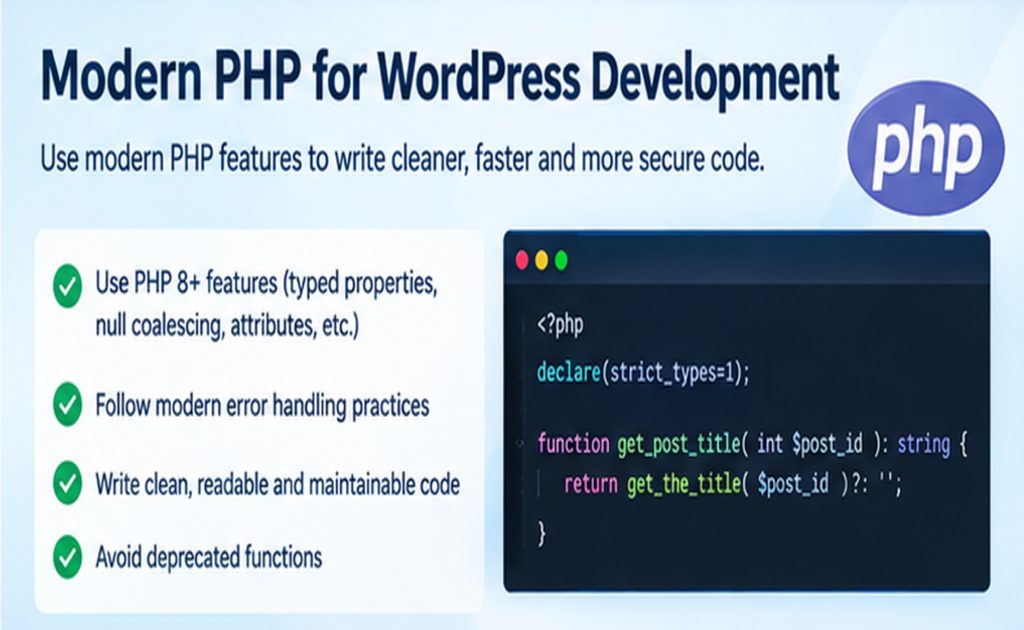
Modern PHP provides developers with tools such as:
Stronger type declarations
Union types
Constructor property promotion
Attributes
Named arguments
Match expressions
Null-safe operators
Readonly properties
Improved error handling
Improved performance
Modern object-oriented programming capabilities
These features can make WordPress plugins and themes easier to understand and maintain.
However, WordPress development has an additional consideration.
A plugin is not an isolated PHP application.
It runs inside WordPress.
Therefore, developers must consider:
The PHP version supported by the plugin.
The WordPress versions supported by the plugin.
Other plugins.
The active theme.
WordPress APIs.
Hosting environments.
Backward compatibility.
WordPress coding conventions.
This is why blindly using every new PHP feature is not necessarily good WordPress development.
Minimum PHP Version Versus Recommended PHP Version
One of the most important concepts for WordPress developers is the difference between:
Minimum supported PHP version
and
Recommended PHP version
Suppose a plugin declares PHP 7.4 as its minimum supported version.
The developer may need to avoid PHP features introduced after PHP 7.4.
On the other hand, if the developer controls the complete environment and requires PHP 8.3+, considerably more modern language features can be used.
The WordPress PHP compatibility documentation lists WordPress 7.1 as compatible with PHP 7.4 through current supported PHP versions, including PHP 8.5.
However, the official WordPress requirements page recommends PHP 8.3 or greater for hosting.
This means a sensible modern development strategy is:
Build new projects for modern PHP while clearly defining the minimum PHP version your project actually supports.
Contact Us for WordPress Installation, Activation and Customization
What Does “Modern PHP” Mean in WordPress Development?
Modern PHP does not simply mean using the newest syntax.
For example, a large plugin may contain classes responsible for:
Administration
Settings
Database operations
REST API endpoints
Front-end rendering
Blocks
AJAX operations
Cron jobs
Import/export functionality
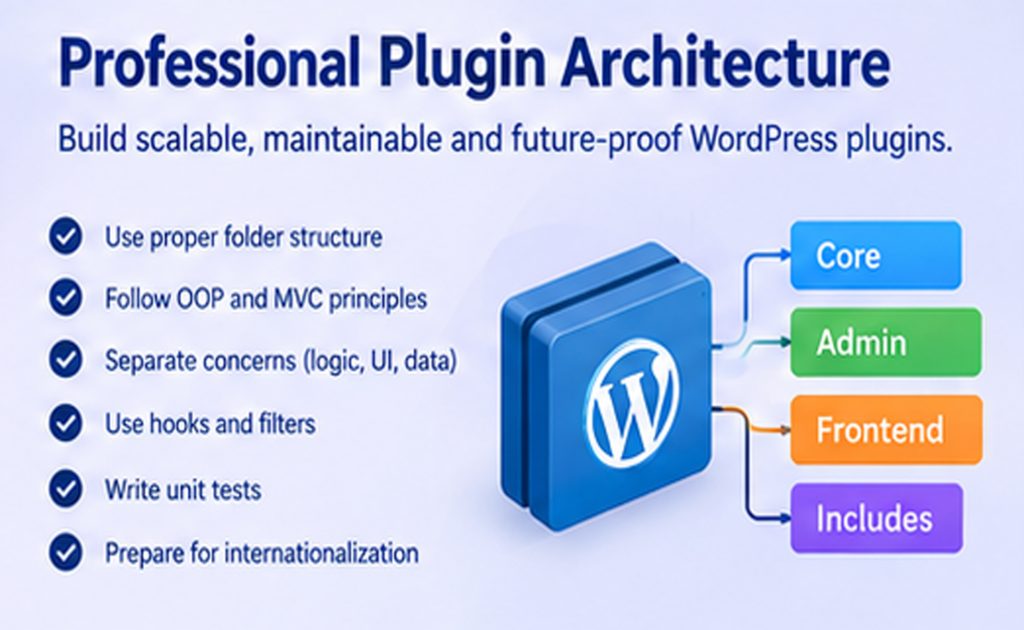
Instead of putting thousands of lines into one plugin file, responsibilities can be divided into smaller components.
This makes the software easier to understand.
PHP Namespaces in Modern WordPress Plugins
Namespaces are particularly useful in larger plugins.
WordPress has a large global namespace. Plugins that create generic class or function names can accidentally conflict with other plugins.
For example, a class named:
class Settings {}
could potentially conflict with another component using the same class name.
A namespace helps isolate your code.
A modern plugin might use something conceptually similar to:
namespace MyCompany\MyPlugin;
Then classes can be organized under that namespace.
The WordPress Developer Blog has specifically documented the use of namespaces, Composer autoloading, and coding standards in modern plugin development.
Namespaces are particularly valuable when developing commercial plugins or larger custom systems.
Contact Us for WordPress Installation, Activation and Customization
Composer and Autoloading
Modern PHP projects frequently use Composer.
Composer is a dependency-management and autoloading system for PHP.
Instead of manually including every PHP class file, an autoloader can locate classes automatically.
Composer can then automatically load PHP classes according to a defined autoloading strategy.
For larger WordPress projects, PSR-4 autoloading can provide a clean structure.
This does not mean every small plugin needs Composer.
A simple plugin may be better served by a straightforward architecture.
The principle is:
Use the appropriate level of architecture for the complexity of the project.
WordPress Coding Standards
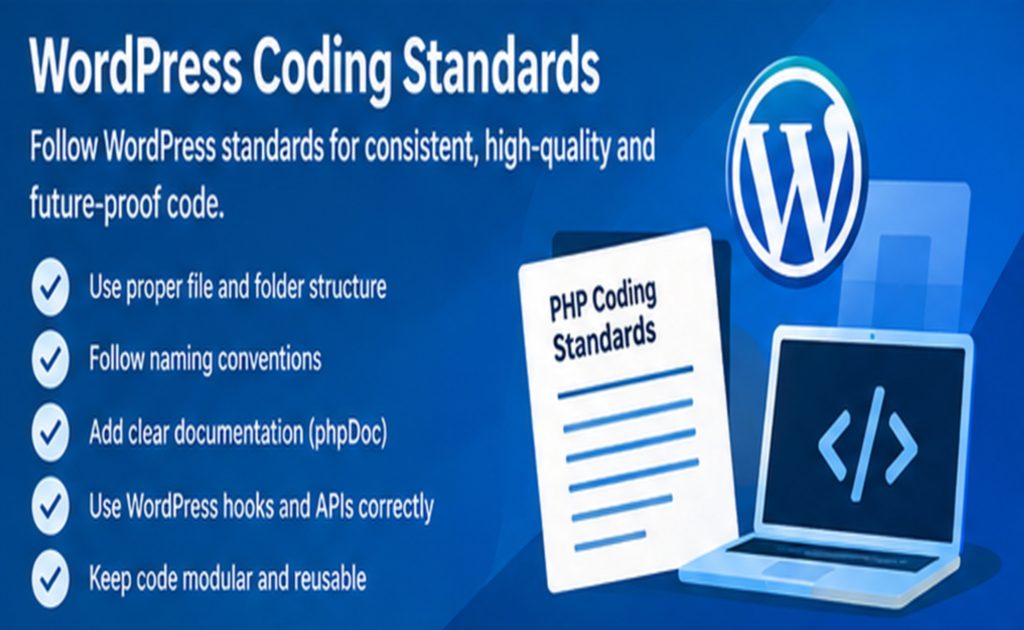
The WordPress Coding Standards provide a common development style for WordPress projects.
The purpose is not merely cosmetic.
The official WordPress documentation explains that coding standards help avoid common errors, improve readability, simplify modification, and allow code to appear as though it was created consistently by one developer.
The standards cover several areas, including:
PHP
JavaScript
CSS
HTML
Accessibility
WordPress also emphasizes accessibility and aims for WCAG Level AA for new and updated code.
Therefore, professional WordPress development should treat coding standards as an engineering practice rather than merely a formatting preference.
Why Coding Standards Matter
Imagine a plugin developed by five programmers.
Without a common coding standard, one developer might use:
function my_function() {}
Another might use:
function myFunction(){}
Another might use a completely different indentation style.
Another might write complicated one-line expressions.
The code may technically work, but maintenance becomes harder.
Contact Us for WordPress Installation, Activation and Customization
Security and WordPress Coding Standards
Security should be considered throughout the entire development process.
A secure plugin should not simply attempt to “fix security” at the end.
Security should be integrated into:
Input handling
Authentication
Authorization
Database queries
Output
File operations
REST endpoints
AJAX requests
Upload handling
Settings
API requests
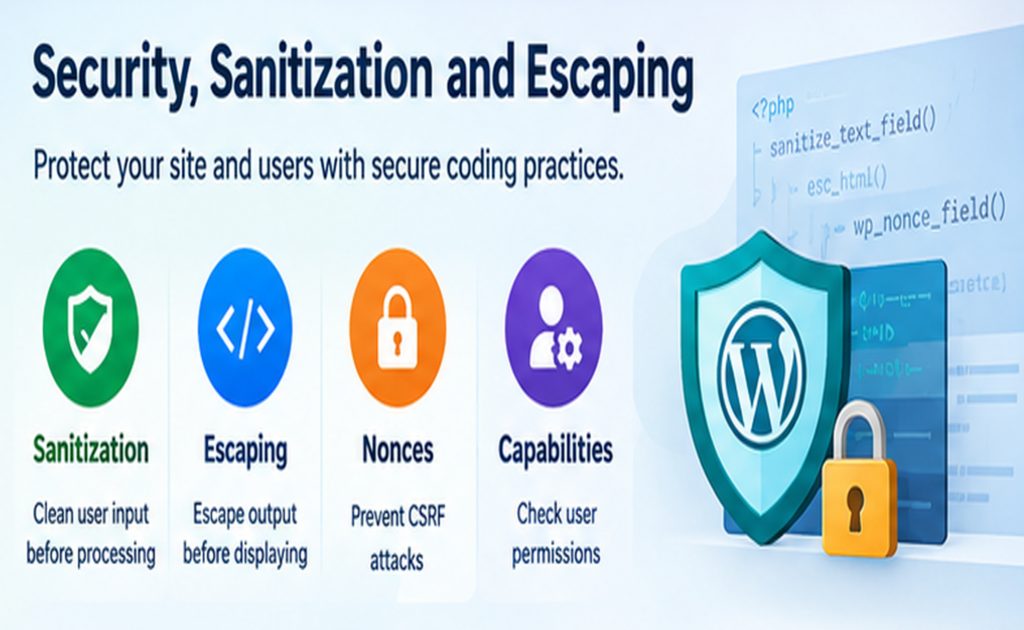
Sanitization, Validation, and Escaping
These three concepts are frequently confused.
Validation
Validation asks:
Is this data acceptable?
For example:
Is the value an integer?
Is the email address valid?
Is this option one of the permitted values?
Sanitization
Sanitization modifies data into an acceptable form.
For example:
sanitize_text_field( $value );
Escaping
Escaping protects output when data is displayed.
For example:
echo esc_html( $title );
A modern WordPress developer should understand that sanitization and escaping solve different problems.
Never Trust User Input
Any information originating from a user, browser, HTTP request, form, cookie, URL, REST request, or external API should be treated carefully.
For example:
$name = $_POST['name'];
is not enough.
A safer WordPress-oriented pattern would involve checking the request, validating the value, sanitizing it appropriately, and verifying authorization and nonce requirements where applicable.
The exact implementation depends on the operation.
Security is contextual.
Nonces in WordPress
WordPress provides nonce mechanisms to help protect actions against certain types of unauthorized requests.
A form can include a nonce.
The server can then verify it before performing an operation.
For example, administrative operations might require:
check_admin_referer( 'my_plugin_action' );
However, developers should understand an important point:
A nonce is not an authorization system.
A nonce helps verify that a request is associated with an expected interaction, but developers should still check user capabilities.
For example:
current_user_can( 'manage_options' );
may be required for a settings operation.
Capability Checks
A common security mistake is checking whether a user is logged in without checking what the user is allowed to do.
For administrative functionality, capabilities should be considered.
For example:
if ( ! current_user_can( 'manage_options' ) ) {
    return;
}
The appropriate capability depends on the operation.
This principle is particularly important when creating:
For commercial plugins, documentation is part of the product.
A customer should not need to inspect PHP source code to discover how to configure the plugin.
The official WordPress Plugin Handbook covers many of these areas, including security, hooks, settings, custom post types, HTTP API, cron, internationalization, and plugin-directory requirements.
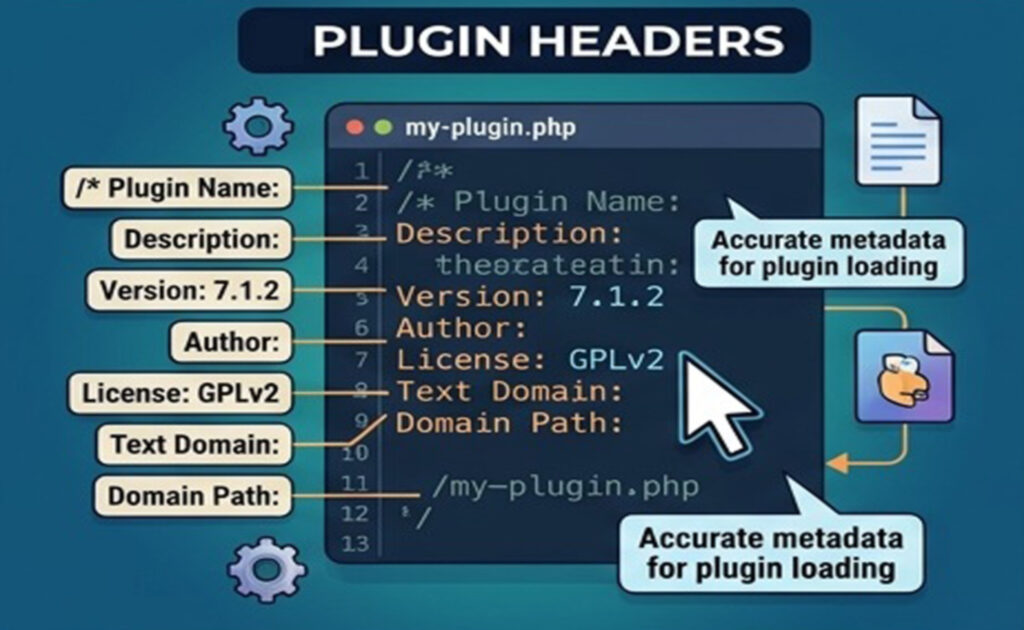
Plugin Headers
A WordPress plugin needs a valid plugin header.
For example:
/**
 * Plugin Name: Example Tools
 * Description: Provides useful tools for WordPress websites.
 * Version: 1.0.0
 * Author: Example Company
 * Text Domain: example-tools
 */
Correct metadata makes the plugin easier to manage.
Developers should also consider:
Stable plugin slug
Text domain
Versioning strategy
Requirements
License
Documentation
Semantic Versioning and Plugin Releases
A plugin should have a predictable versioning strategy.
For example:
1.0.0
1.1.0
1.1.1
2.0.0
The exact strategy can vary.
What matters is that developers communicate changes clearly.
A maintenance release might fix bugs.
A feature release might add functionality.
A major release might contain significant changes.
Version numbers become particularly important when plugins are distributed to many customers.
Testing Modern WordPress Plugins
Testing is one of the areas where WordPress developers can improve significantly.
A plugin should ideally be tested against:
Supported PHP versions
Supported WordPress versions
Common themes
Different user roles
Different browsers
Different screen sizes
Multisite where relevant
Accessibility requirements
Security scenarios
For complex plugins, automated tests can become extremely valuable.
Contact Us for WordPress Installation, Activation and Customization
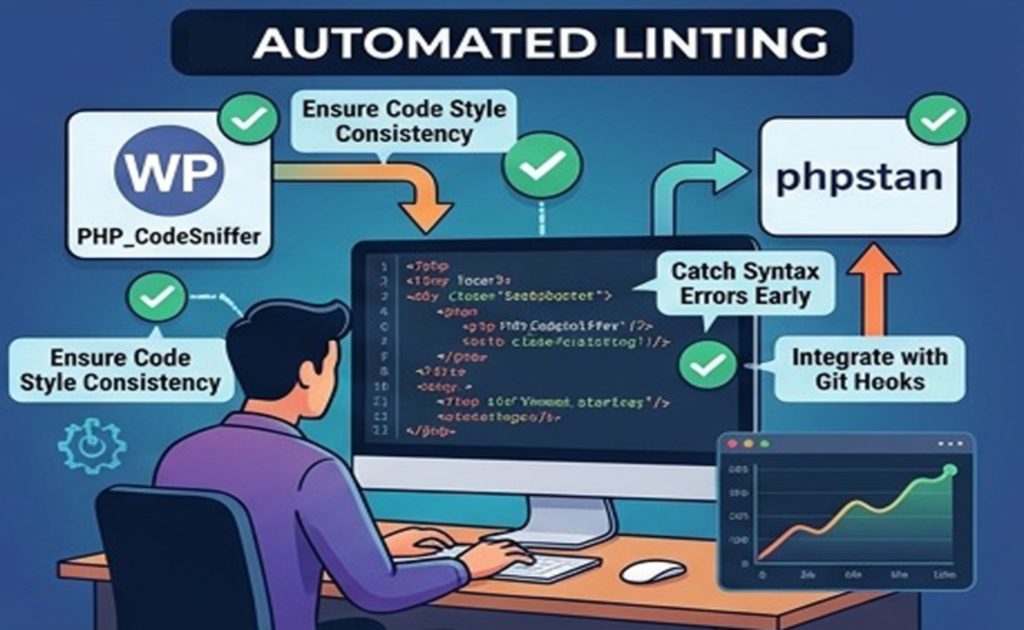
PHP_CodeSniffer and WordPress Coding Standards
One of the most useful tools for enforcing WordPress PHP standards is PHP_CodeSniffer.
The WordPress documentation identifies official WordPress Coding Standards tooling based on PHP_CodeSniffer.
This means a developer does not have to manually inspect every line for formatting rules.
Linting is the process of automatically checking source code for problems.
A professional development workflow may include:
PHP_CodeSniffer
ESLint
Stylelint
PHPStan
Unit tests
Build tools
Not every project requires every tool.
However, larger projects benefit considerably from automated quality checks.
The WordPress Developer Blog has demonstrated a modern workflow combining PHP standards with JavaScript and CSS linting, Composer autoloading, and structured plugin architecture.
Static Analysis
Static analysis examines code without necessarily executing it.
Tools such as PHPStan can detect potential problems involving:
Incorrect types
Invalid method calls
Undefined variables
Impossible conditions
Incorrect return values
Static analysis can identify problems before users encounter them.
This is especially valuable in large WordPress plugins.
Git and Version Control
Modern WordPress development should use version control.
Developers who learn only traditional WordPress techniques may eventually find themselves limited.
Developers who understand both traditional WordPress APIs and modern development practices will be better positioned to create high-quality software.
Conclusion
WordPress 7.1.2 represents more than another version number.
For developers, it is part of the continuing transition toward a more modern WordPress ecosystem.
The most important lesson is not simply:
“Use WordPress 7.1.2.”
It is:
Use a current WordPress release, a supported modern PHP environment, and disciplined development practices.
For new projects, PHP 8.3 or greater is the recommended WordPress hosting baseline.
Developers should also follow the WordPress Coding Standards because they improve consistency, readability, maintainability, interoperability, security, and collaboration.
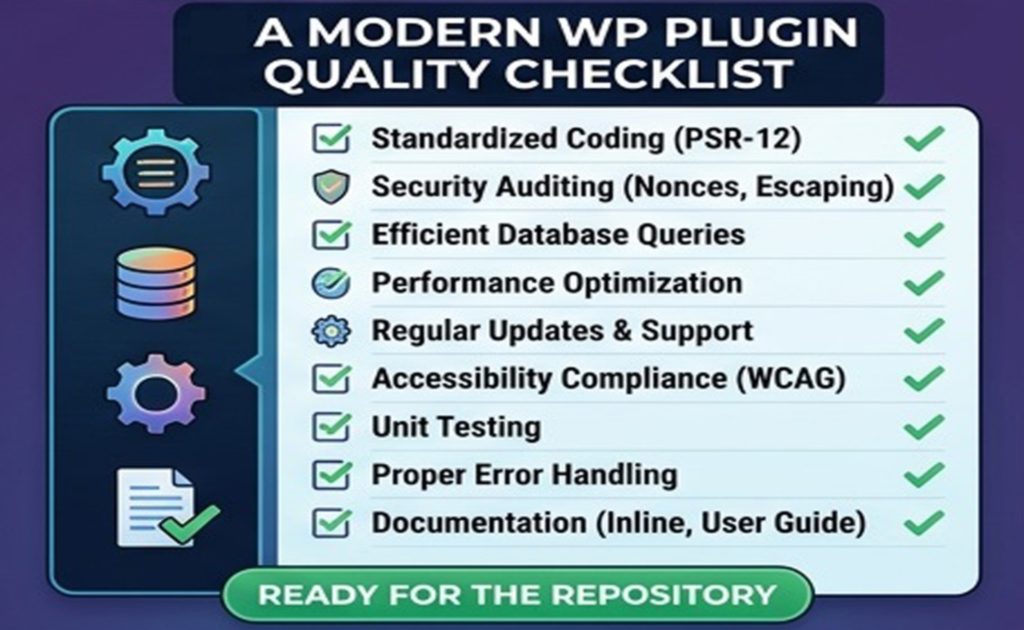
A modern WordPress plugin or theme should therefore be designed around several principles:
Use current WordPress versions.
Use a supported PHP version.
Follow WordPress Coding Standards.
Use WordPress APIs instead of modifying core.
Design security into the application.
Validate and sanitize input.
Escape output.
Check user capabilities.
Use nonces appropriately.
Prepare database queries.
Build accessibility into the interface.
Support internationalization.
Optimize performance.
Use version control.
Test before releasing.
Document the software.
Plan for maintenance and future updates.
The result is not merely a plugin that works today.
It is a plugin or theme that another developer can understand, a customer can safely install, and a business can maintain over the long term.
That is the real goal of modern WordPress development.
WordPress 7.1.2 + modern PHP + current WordPress Coding Standards is therefore best understood not as a particular software combination, but as a development philosophy: current software, disciplined architecture, secure implementation, accessible interfaces, maintainable code, and continuous improvement.
Contact Us for WordPress Installation, Activation and Customization